What Makes a Step by Step Cooking App Useful
By the Recipia team · · 7 min read
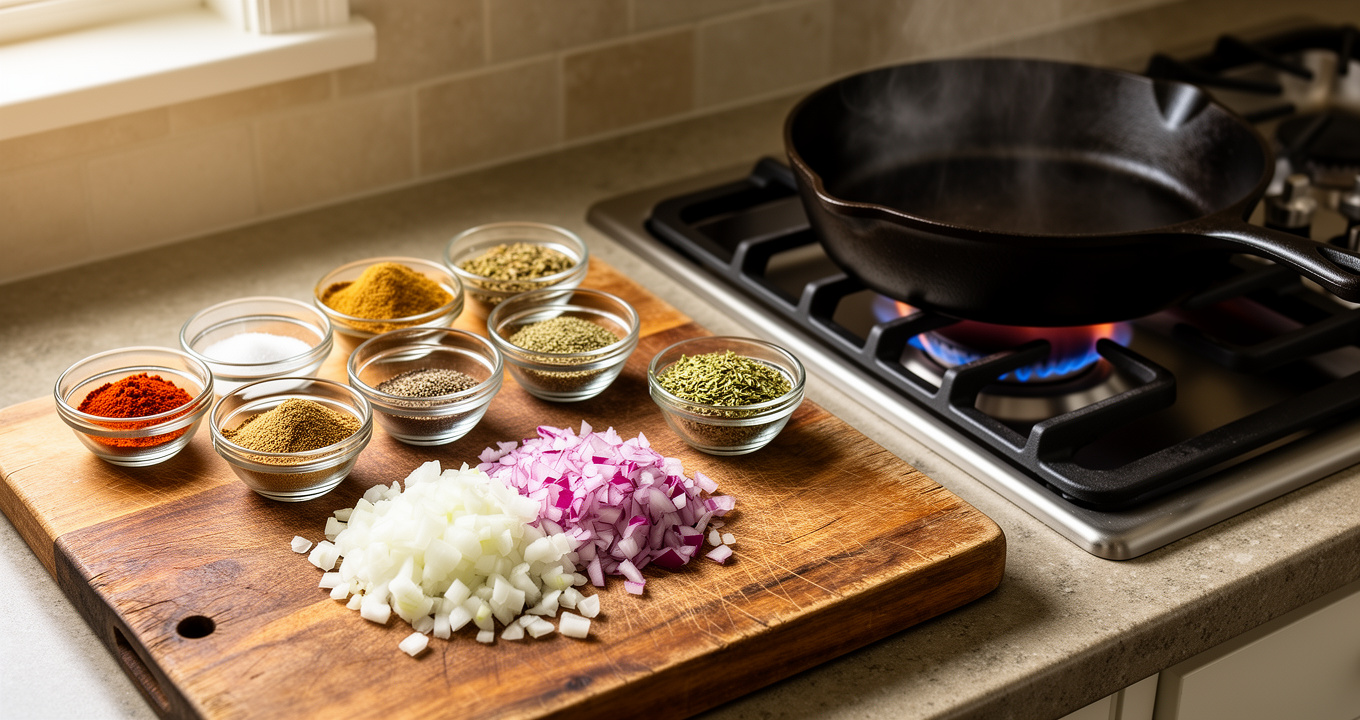
A good recipe on paper is not always a good recipe to cook from. You scroll past a life story, pinch to zoom on a faint ingredient list, lose your place in a dense paragraph, and forget whether the onions have been softening for three minutes or eight. A step by step cooking app is supposed to fix exactly this: it takes the same recipe and presents it the way you actually work, one action at a time, with the numbers close at hand.
But not every app that claims to guide you is genuinely useful at the stove. The difference comes down to a few small things that matter a lot when your hands are busy and the pan is hot. This guide breaks down what those things are, so you can judge any cooking tool on its merits, and cook with less stress whether or not you use one.
Why a wall of text fails in the kitchen
Reading and cooking compete for the same attention. When a recipe is written as one long block, you have to re-find your position every time you look up from the cutting board. That is where mistakes creep in: a step gets skipped, a quantity gets misread, or a sauce reduces too far while you hunt for the next instruction.
The core problems with cooking from a static page or printout:
- No sense of "where am I now." Everything is visible at once, so nothing stands out as the current task.
- Amounts live far from the action. The ingredient list is at the top; the step that uses it is halfway down.
- Timing is on you. "Simmer until thickened, about 15 minutes" assumes you will notice when 15 minutes have passed. In a busy kitchen, you often won't.
- Small or faint text. Phone screens dim, fingers are wet, and cookbook print can be tiny.
A useful step-by-step tool is really just a tool that removes each of these problems in turn.
One step at a time, and only one
The single most helpful feature is also the simplest: show one instruction, large and alone, and let the cook advance when they are ready. This mirrors how cooking actually happens. You chop, then you move to the pan, then you stir. You are never doing step four and step nine at the same moment, so you should not have to read them together.
One-at-a-time pacing does something subtle too. It turns a recipe into a checklist you move through, which lowers the mental load of keeping track. You read, you do, you tap forward. Nothing behind you is still demanding attention.
Timers that start from the step itself
"Bake for 25 minutes." "Rest the dough for 1 hour." "Sear 3 to 4 minutes per side." These times are the backbone of a recipe, and they are the easiest thing to lose track of.
The useful behaviour is for a timer to be ready the moment a step mentions a time, so you can start it without leaving the recipe, opening a separate clock, and typing the minutes in yourself. When the timing lives inside the step, you are far less likely to walk away and forget.
A few food-safety timings are worth committing to memory rather than guessing, because they are about more than texture:
- Cook poultry to an internal temperature of 74°C (165°F).
- Cook ground meats to 71°C (160°F).
- Whole cuts of beef, pork and lamb reach a safe minimum at 63°C (145°F) with a three-minute rest.
- Keep cooked food out of the 4°C to 60°C (40°F to 140°F) "danger zone"; don't leave it at room temperature longer than two hours.
A timer helps you hit the clock part of these; a thermometer is still the only way to confirm the temperature.
Readable ingredient amounts, right where you need them
The second half of a good step is the quantity. If a step says "add the flour," you should not have to scroll back up to learn whether that is two tablespoons or two cups. The best guidance keeps amounts visible and legible, in large type, so a quick glance is enough.
This matters even more when you change the batch size. Doubling a recipe in your head is where arithmetic errors happen, especially with awkward numbers like three-quarters of a cup or one and a half eggs.
What to look for in a step-by-step cooking app
Use this as a quick checklist when judging any cooking tool.
| Feature | Why it matters at the stove |
|---|---|
| One step shown at a time | Keeps your place; lowers mental load |
| Timer tied to the step | You won't forget to start it, or walk away blind |
| Large, readable amounts | No squinting or scrolling mid-task |
| Automatic serving scaling | Removes error-prone mental math |
| Works from your own recipes | You cook what you already want to make |
The last point is easy to overlook. Guidance is only useful if it works for the recipes you actually cook, not just a fixed catalogue. The ability to bring in a recipe from a link, from pasted text, or from a photo of a cookbook page or handwritten card means the guided experience applies to your grandmother's note as much as a website.
Recipia is built around this idea: it turns a recipe into numbered steps with ingredient amounts, then offers a guided cook mode that shows one step at a time and starts a timer for any step that mentions a time. If you want to gather your recipes first, this guide on saving recipes from websites in one place pairs well with cook mode.
A calmer way to cook, step by step
Here is how a well-structured session flows, with or without an app.
Before you turn on the heat
- Read the whole recipe once. Know what is coming so nothing surprises you.
- Set your servings first. Decide how many people you are feeding before you measure anything. When a tool scales amounts automatically, this is a single change rather than a page of recalculations.
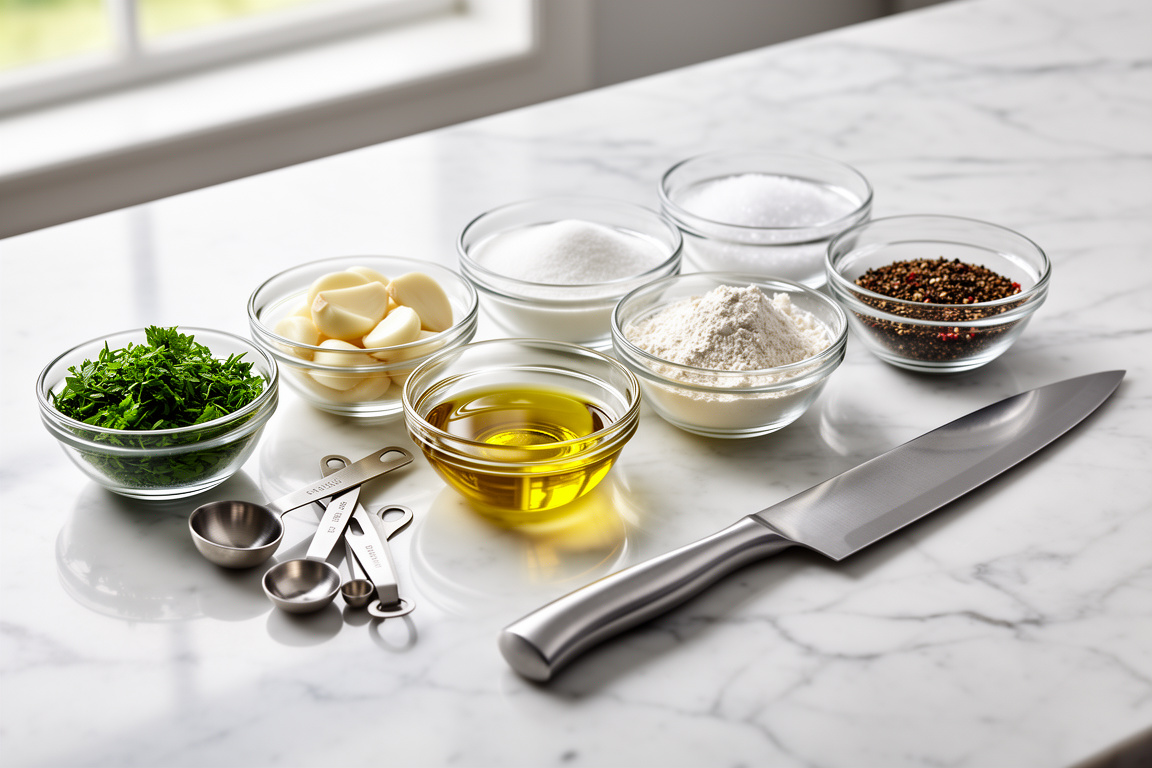
- Do your mise en place. Measure and prep ingredients into small bowls. This is the professional habit that makes home cooking feel effortless, because every step then becomes "add the thing that is already ready."
While you cook
- Work one step at a time and resist reading ahead except for a quick look at what's next.
- Start the timer the instant a step with a time begins, not thirty seconds later.
- Use temperature, colour and texture cues alongside the clock. Times are estimates; "golden and bubbling" is the real target.
Adjusting for your table
If a recipe is written for a confident cook and you are not one yet, there is no shame in wanting the steps broken down further. Simplified instructions, a serving size that matches your household, and a translation into the language you think in all remove friction. Recipia can simplify steps for a beginner and translate a recipe into several languages, including right-to-left Urdu and Arabic; the guide on converting a recipe to Urdu accurately covers that in detail.
About the nutrition numbers
Many cooking tools show calories and macros per serving. Treat these as estimates: they shift with brands, cuts, how much oil stays in the pan, and exact portion sizes. They are useful for rough planning, not precise accounting. If you manage a health condition that depends on specific numbers, check with a qualified professional. To understand where the figures come from, see how to use a recipe nutrition calculator by hand.
Once your weeknights run smoothly, step-by-step cooking fits naturally into a bigger plan. A weekly meal plan generator can line up the recipes in advance, and if you cook to specific requirements, the halal meal prep guide shows how structure and guidance work together across a week.
Try it in Recipia
Bring in a recipe from a link, pasted text, or a photo, set your servings, and cook from guided steps that start a timer when a step mentions a time. Try Recipia free and see how much calmer one step at a time feels.
Frequently asked questions
What is a step-by-step cooking app?
It is a tool that presents a recipe as single, focused instructions you move through one at a time, instead of a long block of text. The most useful ones also keep ingredient amounts visible and start timers for steps that mention a time.
Do I need an internet connection or a download to use one?
That depends on the tool. Recipia is a web app you use in your browser, so there is no download; you create a free account and cook from guided steps on the device you already have.
Can I use my own recipes, not just a built-in catalogue?
With the right tool, yes. Recipia can read a recipe from a link, pasted text, or a photo of a cookbook page, printed card or handwritten note, then turn it into numbered steps you can cook from.
Will the app adjust ingredient amounts if I change the serving size?
A good one scales every amount for you. In Recipia you set the number of servings and each ingredient quantity is recalculated, which removes the error-prone mental math of doubling or halving a recipe.
Are the calorie and macro numbers accurate?
Treat them as estimates. Nutrition figures vary with ingredient brands, cuts, cooking fat and exact portions, so they are useful for rough planning rather than precise tracking. For health conditions, consult a qualified professional.